Markdown to PDF API
Ship docs and changelogs as clean PDFs
Write plain Markdown — headings, lists, code blocks — and get back a formatted, print-ready PDF. No template to design, no Pandoc install, no separate conversion library.
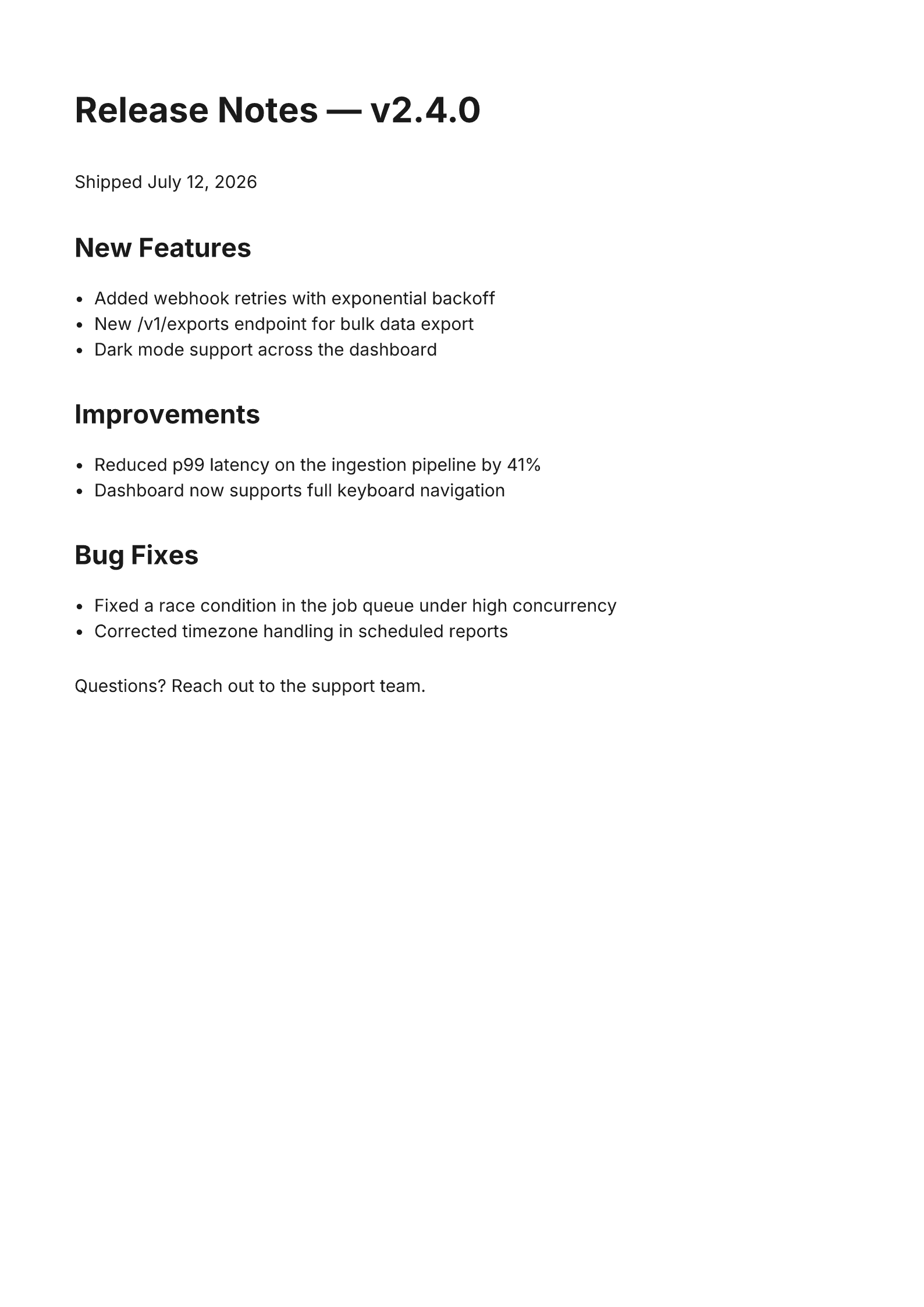
POST /api/v1/render · type: "markdown" · format: "pdf" · dimensions: "a4"Download the sample PDF →Structure comes from the Markdown itself
Standard Markdown in
Headings, bold and italic text, lists, code spans, and blockquotes all render exactly as expected — the syntax you already write for READMEs.
No template required
Unlike the HTML/Tailwind engine, there's nothing to design first — document structure comes straight from the Markdown headings and lists.
Same input, PNG or PDF
Render the same document as an image for an inline preview, or as a PDF for a downloadable, archival copy.
How it works
- 1
Take Markdown you already have
A README, a changelog, a wiki export — any Markdown document you'd already commit to a repository is valid input.
- 2
POST it with type: "markdown"
Choose png for a quick preview image, or pdf for a downloadable document.
curl -X POST https://renderfy.io/api/v1/render \ -H "Authorization: Bearer rfy_live_YOUR_KEY" \ -H "Content-Type: application/json" \ -d '{ "type": "markdown", "content": "# Release Notes\n\n- Fixed a bug\n- Shipped a feature", "options": { "format": "pdf", "dimensions": "a4" } }' \ --output release-notes.pdf - 3
Serve or archive the result
No separate Markdown-to-PDF library, Pandoc binary, or wkhtmltopdf install required in your own stack.
Frequently asked questions
Does it support nested lists and tables?+
Top-level lists render fully on both output paths. Deeply nested lists render most reliably through the PDF path — it renders through a full browser engine rather than a simplified layout pass.
Can I include code blocks in the Markdown?+
Yes. Fenced code blocks render as monospaced blocks in the output document, preserving indentation and line breaks.
Is this the same engine used for README files?+
Yes — any Markdown you'd already commit as a README, changelog, or wiki page is valid input with no modification needed.
PNG or PDF — which should I use for a changelog embed?+
Use PNG for an inline preview image inside a page or email, and PDF when you want a downloadable, archival copy — both come from the same Markdown input.
More ways to use the API
Turn your next changelog into a PDF
Sign up, mint an API key, and convert your first Markdown document in the next 5 minutes — 100 free credits included — no card needed.