Code → Syntax-Highlighted PNG
Code screenshots as an API
Send any code snippet and get back a beautifully syntax-highlighted image — macOS-style window chrome, 100+ languages, your choice of theme. No browser canvas, no screenshot service, one HTTP call.
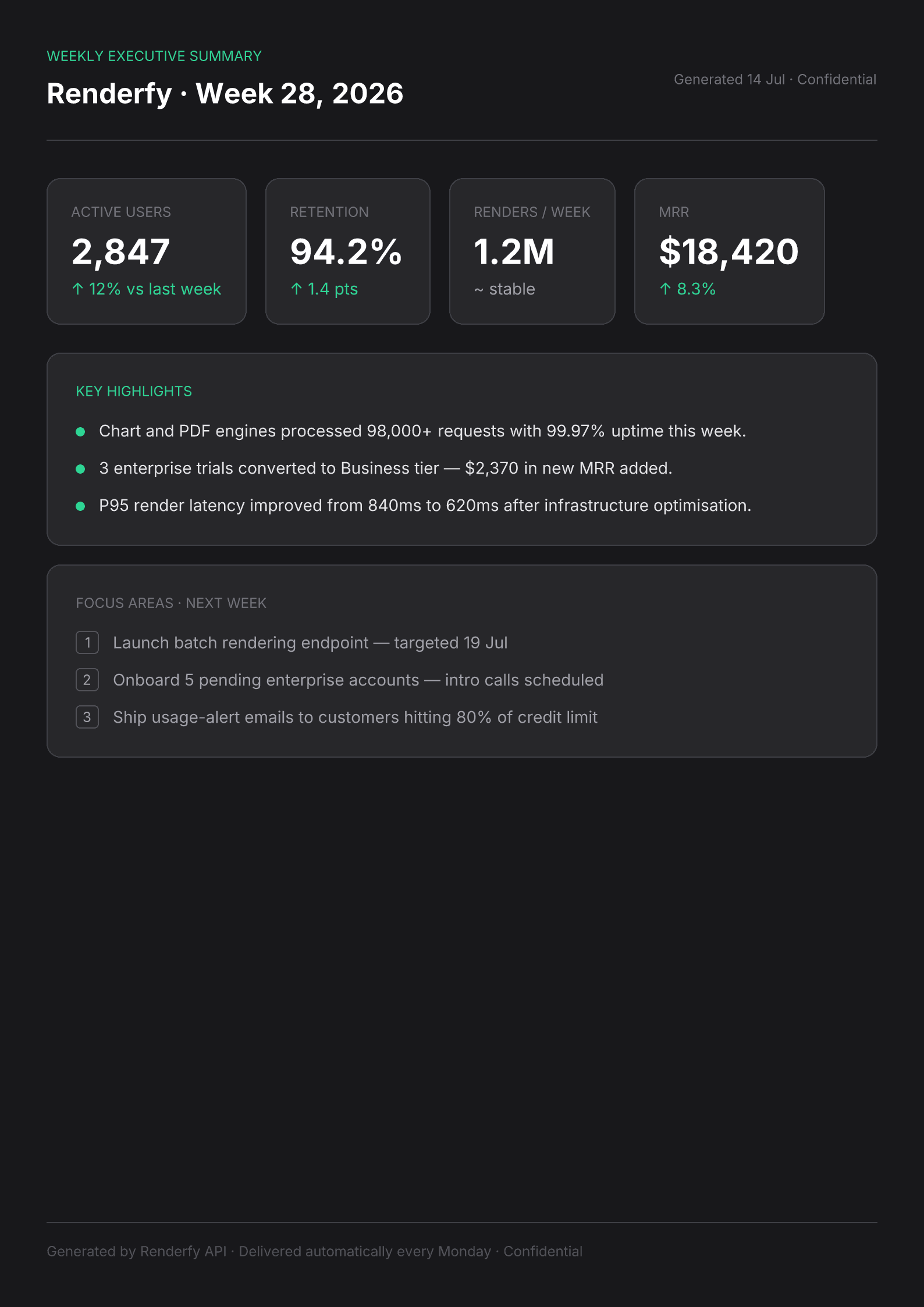
POST /api/v1/render · type: "code" · lang: "typescript" · format: "png"Purpose-built for developer content, not generic screenshotting
100+ languages, powered by Shiki
Shiki's VS Code-grade tokenizer handles TypeScript, Python, Rust, Go, SQL, JSX, and over a hundred more — the same engine that powers syntax highlighting in VS Code itself.
macOS window chrome included
Every render wraps the snippet in a dark rounded window with traffic-light dots — the polished look developers share on Twitter, in blog posts, and on slides, without any design work.
Swap themes per request
Pass a theme name alongside the code — one-dark-pro, github-dark, dracula, nord, and any other Shiki-supported theme. Different theme per snippet, same endpoint.
How it works
- 1
Pass the code snippet and language
Send the raw source text, the language identifier (e.g. typescript, python, rust), and an optional theme name.
- 2
Receive a polished PNG
The API tokenizes, colorizes, and renders the snippet with proper whitespace and syntax colors in a single round-trip.
curl -X POST https://renderfy.io/api/v1/render \ -H "Authorization: Bearer rfy_live_YOUR_KEY" \ -H "Content-Type: application/json" \ -d '{ "type": "code", "content": "const greet = (name: string) => `Hello, ${name}!`;", "lang": "typescript", "theme": "one-dark-pro", "options": { "format": "png" } }' \ --output snippet.png - 3
Embed it anywhere images work
Attach to newsletters, embed in docs sites, post to social, or store alongside your blog posts — a standard PNG that renders perfectly everywhere.
Frequently asked questions
Which programming languages are supported?+
Shiki supports over 100 languages including TypeScript, JavaScript, Python, Rust, Go, Ruby, Java, C++, SQL, bash, Dockerfile, JSON, YAML, and many more. If VS Code highlights it, this API can render it.
Can I choose a light theme instead of dark?+
Yes — pass any Shiki-supported theme name in the request. github-light, solarized-light, and min-light are popular light options. The window chrome adapts to the theme automatically.
Does it preserve indentation and whitespace exactly?+
Yes. Whitespace is preserved exactly as sent — tabs, spaces, and blank lines are all respected. The render uses the same tokenizer VS Code uses, so the output looks like a real editor screenshot.
Can I generate code images in bulk?+
Yes. Each request is stateless and independent — fire them in parallel for as many snippets as you need. The API is designed for programmatic, high-volume use.
More ways to use the API
Turn your first code snippet into an image
Sign up, mint an API key, and render your first syntax-highlighted PNG in under 5 minutes — 100 free credits included, no card needed.