HTML & Tailwind → PDF
The HTML to PDF API for developers
Send Tailwind or plain HTML, get back a pixel-perfect, print-ready PDF in the same HTTP response — no headless Chrome fleet to deploy, patch, or babysit yourself.
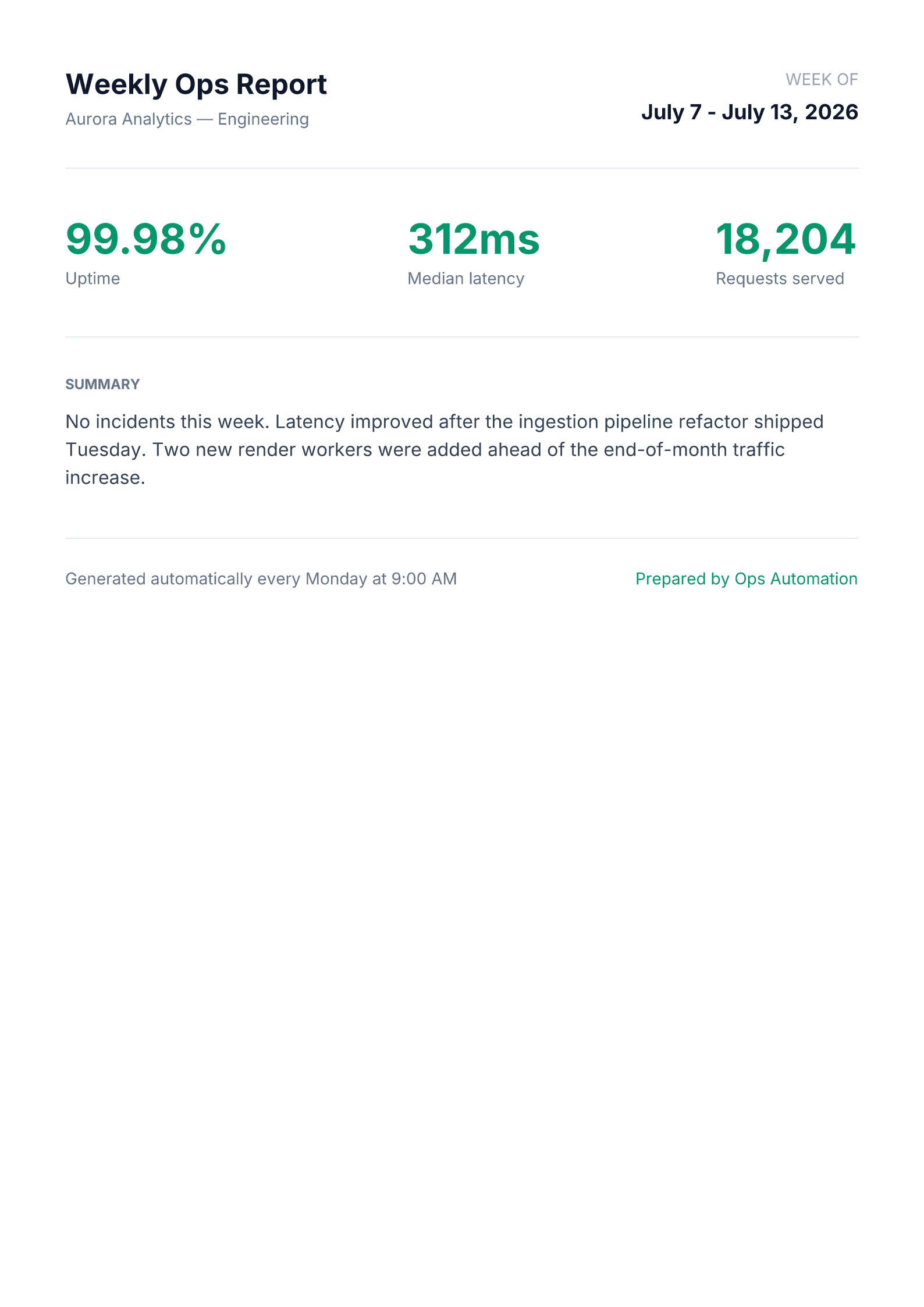
POST /api/v1/render · type: "tailwind" · format: "pdf" · dimensions: "a4"Download the sample PDF →Built for real HTML, not a stripped-down subset
Full CSS, real Chromium
PDF output is generated in a real headless Chromium instance — flexbox, custom fonts, gradients, the full Tailwind utility set. It's not a limited HTML-to-image approximation.
A4, Letter, or custom pixels
Use the a4 or letter dimension presets for print-ready output, or pass an exact width and height in pixels for anything else.
Stateless & synchronous
No job queue and no polling for a result — the finished PDF binary comes back in the same request that triggered it.
How it works
- 1
Write your HTML or Tailwind template
Anything that renders correctly in a browser — a report, a contract, a certificate — is valid input. No special markup dialect to learn.
- 2
POST it with format: "pdf"
Call the render endpoint with your content and the a4 or letter dimension preset.
curl -X POST https://renderfy.io/api/v1/render \ -H "Authorization: Bearer rfy_live_YOUR_KEY" \ -H "Content-Type: application/json" \ -d '{ "type": "tailwind", "content": "<div class=\"p-10\">Your report HTML here</div>", "options": { "format": "pdf", "dimensions": "a4" } }' \ --output report.pdf - 3
Store, email, or stream it straight through
The response body is the finished PDF — attach it to an email, upload it to object storage, or stream it directly to your user.
Frequently asked questions
Can I use Tailwind classes directly in the HTML I send?+
Yes. The PDF path renders through a real headless Chromium instance loading the full Tailwind CSS engine, so every utility class works — not just a limited subset. (The separate PNG/JPEG image path uses a lighter Tailwind-compatible parser with a few small gaps; the PDF path has no such limits.)
What page sizes are supported?+
The a4 and letter dimension presets cover standard print sizes out of the box. You can also pass an exact width and height in pixels for any non-standard page size.
Do I need to run or manage a headless browser myself?+
No. Chromium runs server-side and is reused across warm invocations — there's nothing for you to install, patch, or keep alive.
Can I convert an existing HTML report or invoice template?+
Yes. If your existing template renders correctly in a browser today, it will render correctly through this API — no rewrite required.
More ways to use the API
Turn your first HTML template into a PDF today
Sign up, mint an API key, and generate your first PDF in the next 5 minutes — 100 free credits included — no card needed.